Google Drive in 2026: Strategic Overview and Market Position
Google Drive launched on April 24, 2012, and has since grown into the world's most widely used cloud storage platform. With roughly 1 in 4 internet users already relying on Gmail — and Drive bundled into every Google account — its install base dwarfs that of nearly every competitor. In February 2026, Google announced a new local file backup feature, signaling that the platform continues to evolve well beyond simple cloud storage.
That reach matters when you're choosing a storage solution. Ecosystem lock-in is real, and Drive's tight integration with Docs, Sheets, Slides, Gmail, Google Meet, and Gemini AI makes it genuinely difficult to replicate elsewhere. But reach alone doesn't make it the right choice for everyone. This guide breaks down exactly where Google Drive excels and where it falls short — with specific numbers and real alternatives.
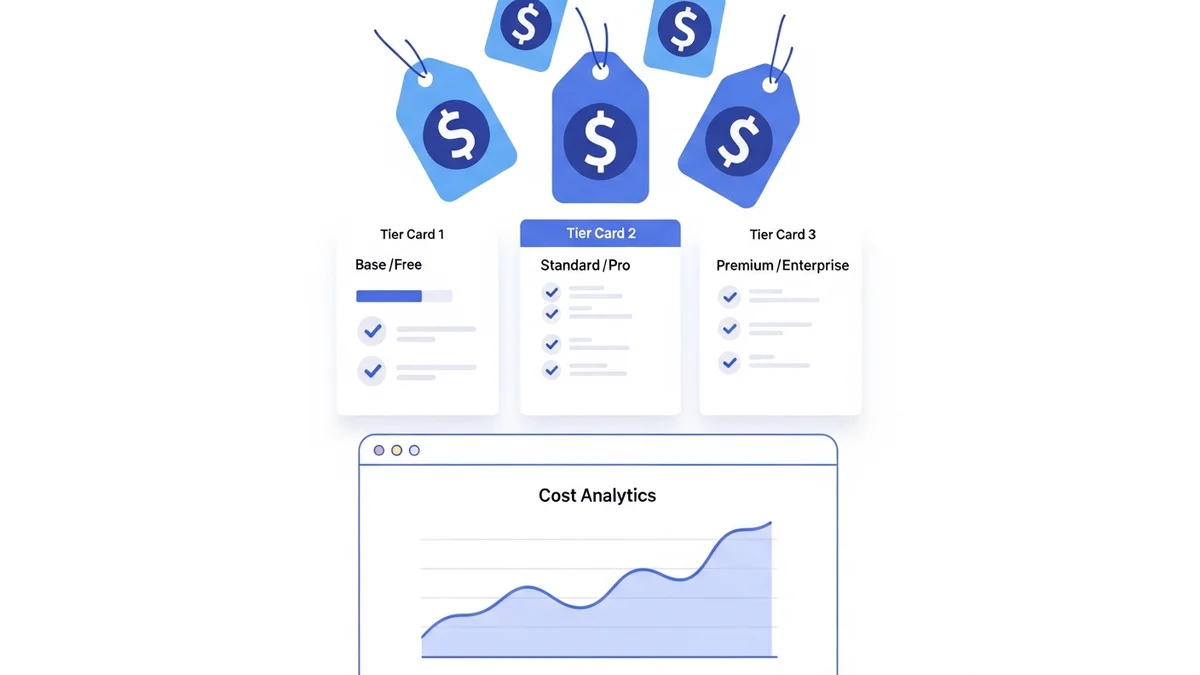
Google Drive Storage Plans and Pricing
Understanding Drive's pricing structure is essential before committing, because the free tier has limits that trip up many users.
| Plan | Storage | Monthly Price | Best For |
|---|---|---|---|
| Google Drive Free | 15 GB | $0 | Light personal use |
| Google One Basic | 100 GB | $1.99 | Individuals with moderate storage needs |
| Google One Standard | 200 GB | $2.99 | Families sharing a storage pool |
| Google One Premium | 2 TB | $9.99 | Power users and content creators |
| Workspace Business Starter | 30 GB pooled/user | $6/user | Small teams |
| Workspace Business Standard | 2 TB pooled/user | $12/user | Growing businesses |
| Workspace Business Plus | 5 TB pooled/user | $18/user | Larger organizations |
| Workspace Enterprise | Unlimited (pooled) | Typically $25+/user | Enterprises with compliance needs |
One critical detail: the free 15 GB is shared across Gmail, Drive, and Google Photos. If your inbox holds 8 GB of emails and attachments, you only have 7 GB left for files. Many users hit the ceiling without realizing it.
Google Drive: The Full List of Pros
Seamless Google Ecosystem Integration
Drive is not just a file cabinet — it is the connective tissue of the entire Google productivity suite. Documents created in Google Docs, Sheets, and Slides are stored natively in Drive without consuming your storage quota. Gmail attachments are previewable directly from Drive. Calendar invites can attach Drive files. For teams already living in Google's ecosystem, this eliminates the friction of context-switching that plagues other tools.
Real-Time Collaboration
Multiple users can edit the same Google Doc, Sheet, or Slide simultaneously, with changes reflected in real time and a full revision history preserved. This is a genuine competitive advantage over local file workflows. Sharing permissions — Viewer, Commenter, Editor — can be set per file or per folder, with optional expiry dates on access links.
Generous Free Tier for Casual Users
15 GB at no cost is more than Dropbox (2 GB free) and iCloud (5 GB free). For users who primarily store documents, spreadsheets, and light media, 15 GB is often sufficient without spending a cent.
Cross-Platform Availability
Drive runs on Android, iOS, Windows, macOS, and any browser. The desktop app, Google Drive for Desktop, supports both streaming (files live in the cloud, accessed on demand) and mirroring (local copy kept in sync). The February 2026 announcement of a local file backup feature expands this further, letting users back up folders from their local drives directly into Drive without manual uploads.
Newsletter
Get the latest SaaS reviews in your inbox
By subscribing, you agree to receive email updates. Unsubscribe any time. Privacy policy.
Third-Party App Integrations
Drive integrates with over 200 third-party applications including Adobe Acrobat, Slack, Salesforce, Atlassian (Jira, Confluence), DocuSign, and Zapier. This extensibility means Drive can serve as the document backbone for complex business workflows, not just passive storage.
AI-Powered Search and Gemini Integration
Google's search technology inside Drive is best-in-class. You can search by file type, owner, date modified, and even by content within documents. Gemini integration (available on Workspace Business Standard and above) allows users to summarize long documents, draft content based on stored files, and query across their entire Drive using natural language.
Microsoft Office Format Support
Drive natively opens and edits .docx, .xlsx, .pptx, .doc, and .xls files without conversion. For teams that collaborate with clients or partners using Microsoft Office, this removes a significant compatibility barrier.
Google Drive: The Full List of Cons
Privacy and Data Mining Concerns
Google's business model is advertising. While the company states it does not use Drive file contents for ad targeting, Google's data practices remain a concern for privacy-sensitive users and regulated industries. Files are encrypted in transit and at rest, but Google holds the encryption keys — meaning Google can technically access your files. For zero-knowledge encryption (where only you hold the keys), Tresorit or Sync.com are stronger alternatives.
Shared Storage Pool Eats Into Free Tier Quickly
The 15 GB free tier sounds generous, but it is shared across Gmail, Drive, and Google Photos. A single Gmail inbox with years of email attachments can consume 10+ GB, leaving minimal space for actual Drive files. Users often discover this only when uploads begin failing.
Offline Functionality Requires Setup
Drive's offline mode is not automatic. Users must manually enable offline access per file or folder in the Chrome browser, and the feature only works in Chrome. Outside Chrome — in Safari or Firefox — offline editing is unavailable. By comparison, Microsoft OneDrive handles offline sync more transparently through its Windows and macOS desktop clients.
Storage Pricing Jumps at Higher Tiers
The jump from 2 TB ($9.99/month) to the next meaningful personal tier is significant. For users needing 5 TB or more, pCloud offers a lifetime 2 TB plan for a one-time $399, and Backblaze offers unlimited computer backup for $9/month — substantially better value for large data sets.
No End-to-End Encryption by Default
Unlike MEGA, which provides end-to-end encryption on all plans, Google Drive does not encrypt files in a way that prevents Google from accessing them. Google Workspace Enterprise users can enable Client-Side Encryption (CSE), but this is an enterprise feature not available on personal or standard business plans.
Account Suspension Risk
Because Drive is tied to a Google account, a suspended Google account (due to Terms of Service violations, payment failures, or account compromise) locks you out of all Drive files. This single point of failure is a meaningful risk for businesses storing critical data exclusively in Drive without external backups.
Common Mistakes Users Make with Google Drive
Mistake 1: Treating Drive as a Backup Solution
Drive is a sync service, not a backup. If you delete a file on your desktop, the deletion syncs to the cloud. Files deleted from Drive go to Trash, which auto-empties after 30 days. Users who delete files locally thinking they are "backed up" in Drive are wrong — the deletion propagates. For true backup, pair Drive with a dedicated service like Backblaze or IDrive.
Mistake 2: Ignoring Sharing Link Defaults
When creating a shareable link, Drive defaults to "Anyone with the link can view." Many users share this link via email or messaging apps without realizing anyone who intercepts or forwards the link can access the file. For sensitive documents, always set link sharing to "Restricted" and share explicitly with named Google accounts.
Mistake 3: Exceeding Storage Without a Plan
When a Google account hits its storage limit, Gmail stops receiving new emails and new files cannot be uploaded to Drive or Google Photos. This has caused business disruptions for small teams on Workspace Starter plans who underestimated their storage growth. Monitor storage usage monthly via the Google One storage dashboard and set a plan upgrade threshold before you hit 90% capacity.
Mistake 4: Using Drive for Large Media Libraries Without Cost Analysis
Photographers and videographers who store raw files in Drive on the 2 TB plan ($9.99/month) are paying $119.88/year. At that scale, Backblaze at $9/month ($108/year) offers unlimited storage for one computer — a better deal for large, mostly archival data sets that don't need real-time collaboration.
Who Should Use Google Drive — and Who Should Look Elsewhere
Drive is the right choice if you:
- Already use Gmail, Google Docs, or Google Workspace daily
- Need real-time document collaboration with external partners
- Want a free tier with more space than Dropbox or iCloud
- Require broad third-party integrations (Slack, Salesforce, DocuSign)
- Work across Android, iOS, Windows, and macOS without wanting to manage multiple apps
Consider an alternative if you:
- Handle sensitive legal, medical, or financial data requiring zero-knowledge encryption — look at Tresorit or Sync.com
- Need unlimited backup for large local file libraries — Backblaze at $9/month is built for this
- Want a one-time payment instead of a recurring subscription — pCloud lifetime plans start at $199 for 500 GB
- Primarily use Apple devices and the iCloud ecosystem — iCloud Plus at $0.99/month for 50 GB integrates more deeply with iOS and macOS
- Are a Windows-first organization — Microsoft OneDrive bundled with Microsoft 365 ($6/user/month) provides better Office integration and more transparent offline sync
Bottom Line: Is Google Drive Worth It in 2026?
For the majority of individuals and small-to-medium businesses, Google Drive remains the most practical all-around cloud storage platform available. Its free 15 GB tier, native productivity suite, real-time collaboration, and vast integration library make it the default choice for good reason. The Google One 100 GB plan at $1.99/month is among the best value entry-level paid tiers in the industry.
The cases where Drive falls short are specific and predictable: privacy-sensitive workloads, large archival storage, or users committed to the Apple or Microsoft ecosystem. In those scenarios, the alternatives outlined above offer concrete, quantifiable improvements. For everyone else, Drive is the benchmark the rest of the market competes against.





