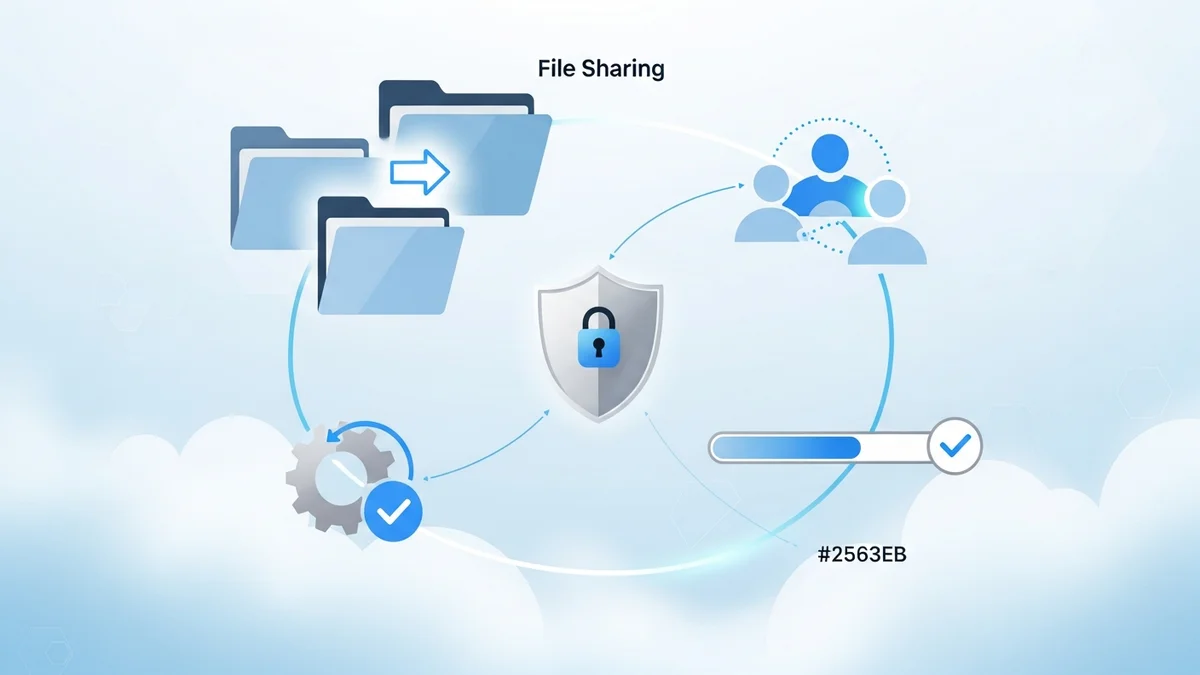

Introduction to Nextcloud: Your Self-Hosted Collaboration Hub
In an era where data privacy and control are paramount, Nextcloud stands out as a powerful, self-hosted collaboration platform. Designed to empower productivity and collaboration while prioritizing security and digital autonomy, Nextcloud offers a comprehensive suite of features that rival traditional cloud services. This guide delves into the core functionalities of Nextcloud, providing specific details, limitations, power-user tips, and integration use cases to help you maximize its potential in 2026.
With the upcoming release of Nextcloud Hub 26 Winter in February 2026, users can anticipate improvements in performance, design, and security, along with new and enhanced tools for daily work and life. This release underscores Nextcloud's commitment to providing a robust and secure environment for data management and collaboration.
Nextcloud Teams: Streamlining Collaboration
Nextcloud Teams is a powerful feature that allows users within an instance to self-organize into groups for collaborative tasks. This functionality facilitates the sharing and tracking of team-related resources, seamlessly integrating into the Nextcloud Hub ecosystem. It provides a self-sustaining layer of user management, simplifying the process of organizing and managing teams within the platform.
Key Features:
- Self-Organization: Users can create and join teams independently, fostering a dynamic and flexible collaboration environment.
- Resource Sharing: Teams can easily share files, calendars, and other resources, ensuring everyone has access to the information they need.
- Integrated Management: Teams integrate seamlessly with other Nextcloud Hub features, such as file storage, calendar, and contacts, providing a unified collaboration experience.
Power-User Tip: Utilize the team description feature to clearly define the team's purpose and scope, making it easier for users to find and join relevant teams.
Integration Use Case: A marketing department can create a team to manage campaign assets, share project timelines, and communicate progress updates. This ensures all team members are aligned and have access to the latest information.
Security in Focus: Protecting Your Data
Security is a cornerstone of Nextcloud's design. It's built for environments where security and compliance are critical, powering thousands of setups with strict compliance frameworks. Even for personal use, Nextcloud keeps your data away from prying eyes, prioritizing your privacy and control. Nextcloud Hub 26 Winter continues to build on this foundation with enhanced security features.
Key Security Features:
- End-to-End Encryption: Protect your data in transit and at rest with robust encryption protocols.
- Two-Factor Authentication: Add an extra layer of security to your account with two-factor authentication, preventing unauthorized access.
- Brute-Force Protection: Mitigate brute-force attacks with built-in protection mechanisms that detect and block suspicious activity.
- Auditing: Track user activity and system events with comprehensive auditing logs, ensuring accountability and compliance.
Power-User Tip: Regularly review your security settings and enable all available security features to maximize your protection. Consider using a strong, unique password for your Nextcloud account.
Integration Use Case: A healthcare organization can use Nextcloud to securely store and share patient data, complying with HIPAA regulations and protecting sensitive information. They can also audit user
Newsletter
Get the latest SaaS reviews in your inbox
By subscribing, you agree to receive email updates. Unsubscribe any time. Privacy policy.
access to ensure data integrity and accountability.
File Management and Collaboration
Nextcloud offers a comprehensive suite of file management and collaboration features, empowering users to store, share, and collaborate on files securely and efficiently. From basic file storage to advanced sharing options and version control, Nextcloud provides the tools you need to manage your data effectively.
Key Features:
- File Storage: Store and access your files from anywhere with a user-friendly web interface and desktop and mobile apps.
- File Sharing: Share files with internal and external users, with granular control over permissions and access rights.
- Version Control: Track changes to your files and revert to previous versions, ensuring you never lose important data.
- Collaborative Editing: Edit documents, spreadsheets, and presentations collaboratively in real-time with built-in office suite integration.
Power-User Tip: Use the tagging feature to organize your files and make them easier to find. You can also create smart folders that automatically organize files based on tags.
Integration Use Case: A research team can use Nextcloud to store and share research data, collaborate on documents, and track changes to their files. This ensures everyone has access to the latest data and can contribute to the research process.
Productivity Tools: Boosting Efficiency
Nextcloud integrates a variety of productivity tools to enhance your workflow and streamline your daily tasks. From calendar and contacts management to task management and note-taking, Nextcloud provides a central hub for all your productivity needs.
Key Features:
- Calendar: Manage your schedule, create appointments, and share calendars with colleagues.
- Contacts: Store and manage your contacts, synchronize them across devices, and share them with others.
- Tasks: Create and manage tasks, assign them to team members, and track progress.
- Notes: Take notes, organize them into notebooks, and share them with others.
Power-User Tip: Integrate your Nextcloud calendar and contacts with your mobile devices to stay connected and organized on the go.
Integration Use Case: A project manager can use Nextcloud to manage project tasks, schedule meetings, and track progress. This provides a central hub for project information and ensures everyone is aligned and on track.
Nextcloud Hub 26 Winter: What to Expect
The upcoming release of Nextcloud Hub 26 Winter in February 2026 promises to deliver significant improvements in performance, design, and security. While specific details are still emerging, users can anticipate new and enhanced tools for daily work and life. The release is focused on reclaiming digital autonomy, giving users more control over their data and privacy. Nextcloud is hosting a live demo and Q&A session on February 25, 2026, at 3 PM CET, to showcase the new features. A recording will be available for those who can't attend. This event emphasizes Nextcloud's dedication to transparency and community engagement.
Key Expectations:
- Improved Performance: Expect faster loading times and smoother performance across all Nextcloud applications.
- Enhanced Design: Look forward to a more intuitive and user-friendly interface, making it easier to navigate and use Nextcloud's features.
- Strengthened Security: Anticipate new security features and enhancements to existing security measures, further protecting your data and privacy.
- New and Improved Tools: Discover new and improved tools for collaboration, productivity, and file management, designed to streamline your workflow and boost efficiency.
Nextcloud continues to evolve as a leading self-hosted collaboration platform, offering a compelling alternative to traditional cloud services. By prioritizing security, privacy, and control, Nextcloud empowers users to take ownership of their data and collaborate effectively. As of 2026, Nextcloud powers thousands of critical setups with strict compliance frameworks.
Alternatives and Comparisons
While Nextcloud offers a robust suite of features, it's important to consider how it stacks up against other cloud storage and collaboration solutions. Some popular alternatives include Dropbox, Google Drive, and Box. Each platform has its own strengths and weaknesses, and the best choice for you will depend on your specific needs and requirements.
For example, while Dropbox offers a simple and user-friendly interface, it lacks the self-hosting capabilities and privacy features of Nextcloud. Google Drive provides seamless integration with Google's suite of productivity apps, but it raises concerns about data privacy and security. Box is a popular choice for businesses, offering advanced security and compliance features, but it can be more expensive than Nextcloud. You can also explore options like Backblaze and Wasabi for purely storage-focused needs. Check out our comparison of Backblaze vs. Wasabi for more details.
Ultimately, the decision of which platform to use is a personal one. Consider your priorities, your budget, and your technical expertise when making your choice. If you value security, privacy, and control, Nextcloud is an excellent option.
Consider exploring Dropbox alternatives if you're seeking more control over your data or require specific features not offered by Dropbox. Also see Google Drive Features and Box vs. Dropbox for detailed comparisons.
Conclusion: Taking Control of Your Data
Nextcloud stands as a powerful and versatile self-hosted collaboration platform, offering a compelling alternative to traditional cloud services. With its focus on security, privacy, and control, Nextcloud empowers users to take ownership of their data and collaborate effectively. The platform continues to evolve and improve, with the upcoming release of Nextcloud Hub 26 Winter promising even greater performance, design, and security enhancements.
For individuals and organizations seeking a secure and private way to store, share, and collaborate on files, Nextcloud is a compelling choice in 2026. By leveraging its extensive features and embracing its commitment to digital autonomy, you can unlock a new level of control over your data and streamline your workflow. The release is scheduled for February 2026, so stay tuned for more updates and announcements. Don't forget to register for the live demo and Q&A session to learn more about the new features and capabilities of Nextcloud Hub 26 Winter.





